b2c3d
Concept
The Concept app turns a written description into the image a production builds from, applies the show's style automatically, and records the prompt behind every picture.

Concept turns a written description into the picture a production builds from. An artist describes an image, the model generates it, and the result is an asset in the library from the moment it lands, not a file waiting to be saved.
Why it is its own application
A source image that arrives as an upload starts its history at a file somebody found on a disk. A source image made in Concept starts it at the sentence somebody typed. Every variation records the prompt, the seed that makes it again, the sampler settings, the style that was applied and the level of the production that style came from. Open a textured model in Assets much later, walk its lineage back, and the answer to "where did this come from?" is a prompt rather than a filename.
The hand-off is the other half of the reason. Pressing Studio on a variation makes that image Studio's source and opens the Segment stage. It is the same asset the library holds, so the scene built from it keeps the concept as its origin.
Styles belong to the production
A style is a reusable description, such as "warm amber light against deep blue shadow, soft painterly brushwork", stored as a named, versioned asset and bound to a show, a sequence or a shot. Generation looks upward from where the artist is working and applies the nearest style, so a supervisor sets the look once and every concept made in that part of the show follows it.

The Style panel always says which level supplied the look. An artist can turn the style off for one run to generate the subject alone, or choose a different style for one run, and the image records whether its style was inherited or chosen. Revising a style writes a new version: new work picks up the change, and older images keep the exact text they were made with.
Prompts the model actually wants
Our concept model is i1, chosen because its weights, its code and its training data are all released and openly licensed (see Provenance and Attribution). It was trained on long, detailed captions, so a terse prompt is off-distribution rather than merely simpler, and gives something unrelated. The app offers worked starting points written in the shape the model expects, and shows a caution under prompts too short to work, without stopping the run.

The Settings panel sets how many variations to make, each with its own seed, along with steps and guidance. A seed of -1 picks one and records which, so any result can be reproduced. A run publishes its image as it forms, and Good enough finishes the run early, keeps the image, and records how many steps it actually ran.
Driven by a person or an agent
Generating and creating a style are operations, and the prompt box, the selection and the hand-off to Studio are interface commands, so an agent connected over the Model Context Protocol uses the same actions the buttons do. The screenshot above shows the usual pattern: an agent drafts a full description into the Prompt box and stops. Nothing runs until the artist reads it, edits it if they want, and presses Generate, or asks the agent to.
Where it fits
Organizations supplies the shows, sequences and shots that styles bind to. Studio takes the chosen image and turns it into a scene of separate objects. Assets is where concepts and styles are named, browsed, marked as the preferred pick among variations, and opened back in Concept with the prompt, style, seed and settings that made them, ready to vary.
Gallery
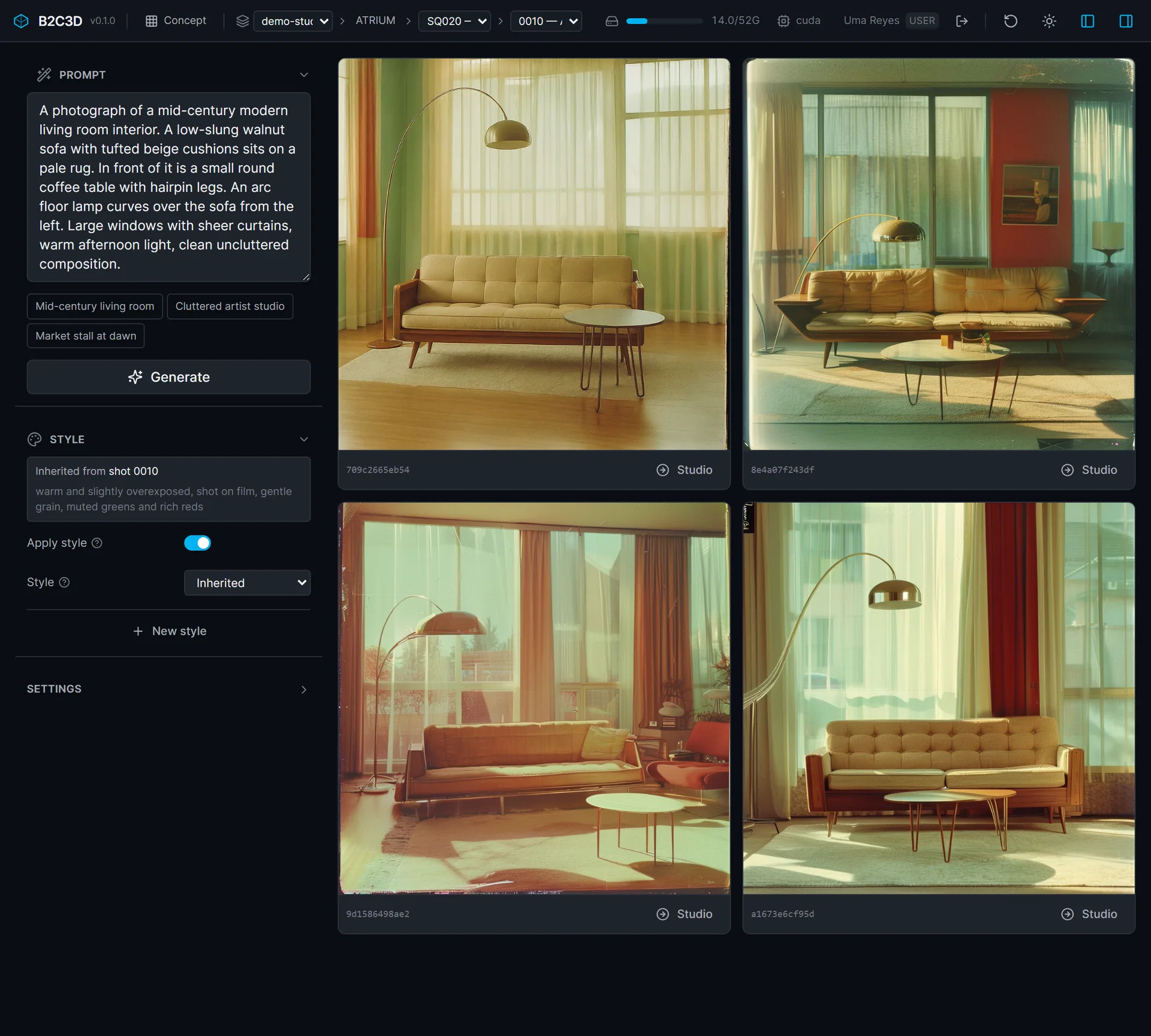
The same app on a different production: a living room in an inherited film look. 
One press of Studio on a variation, and it is Studio's source image.
Related work
-

BigBluePipeline
A VFX studio pipeline, rebuilt as the artist-side front end for b2c3d.
-
Depth2STL and Obj2GLB
Two small open-source tools for getting 3D data where it needs to go.
-

QIE Studio
An image generation and editing studio, built by an AI agent working unattended from our specification.
-
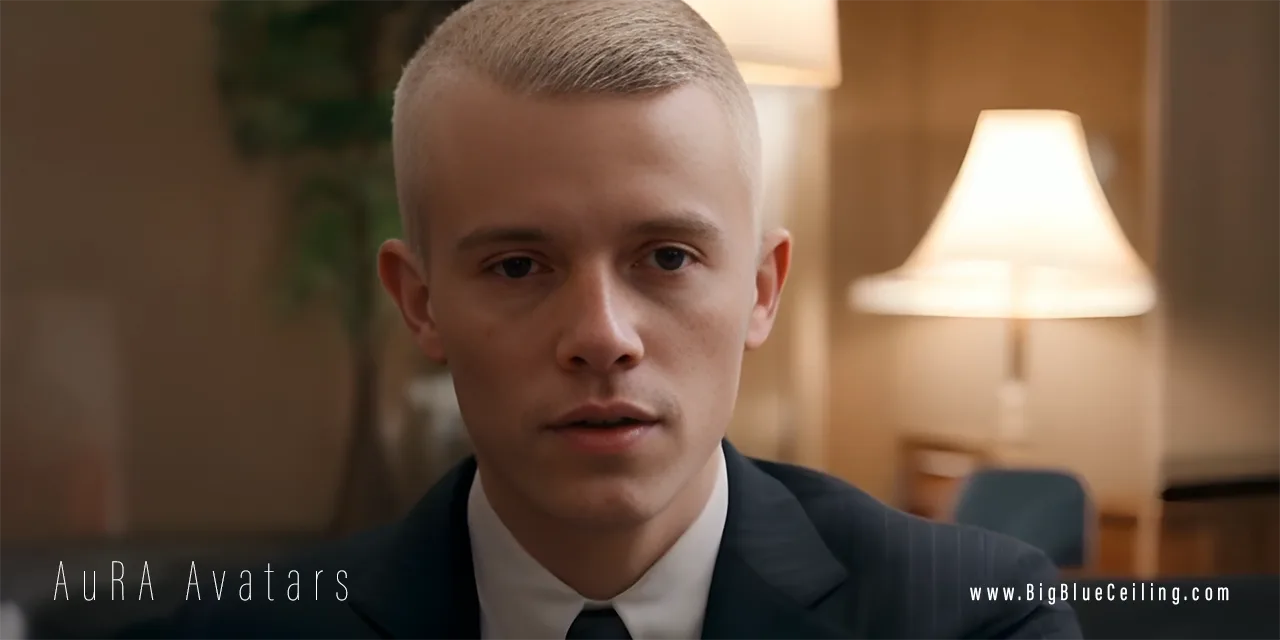
AuRA Avatar Generator
Customizable, photorealistic presenters for AI-generated video briefings.